What happens if your VPN connection suddenly drops - even for a few seconds?
Many users assume their traffic is always protected, but without additional safeguards, a VPN disconnection immediately exposes your real IP address and routes traffic through your regular network. This can occur due to unstable Wi-Fi, network switching, server interruptions, or temporary ISP issues.
Even a brief interruption may be enough for websites, apps, or third parties to detect your real identity or capture unencrypted traffic, compromising your privacy without you even noticing.
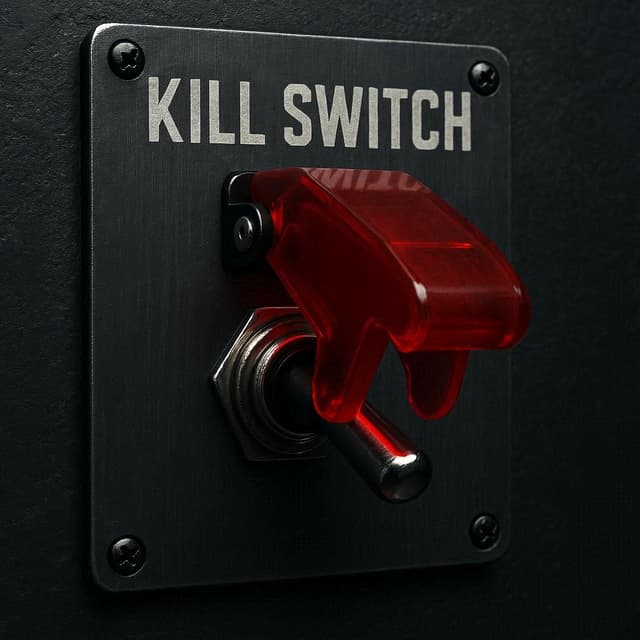
This is exactly the problem that the Kill Switch feature is designed to solve.
A Kill Switch continuously monitors your VPN connection status and instantly blocks all internet traffic if the connection drops. This ensures that no data leaves your device outside the encrypted VPN tunnel.
By enforcing this behavior at the system level, it guarantees that your real IP address and online activity remain protected at all times.
Key benefits of Kill Switch include automatic traffic blocking, prevention of IP and data leaks, and continuous privacy protection even during unstable network conditions.
It also provides system-wide protection, covering all applications and background processes without requiring manual control.
This feature is especially important when using public Wi-Fi networks, switching between connections, or performing activities like gaming, streaming, or handling sensitive data.
Without a Kill Switch, even a short VPN interruption can compromise your privacy. With it enabled, your connection remains either fully protected or completely blocked.
PeekVPN includes a built-in Kill Switch that works seamlessly in the background, providing a reliable layer of protection without affecting usability.
Enable Kill Switch in PeekVPN to ensure your privacy stays protected - no matter what happens to your connection.